XRPay Product Team ·
Custom Apparel Order Deposit: 3 Checks Before You Print
Before you print a custom apparel order, match the approved quote and artwork, verify the deposit, and record when the remaining balance is due.
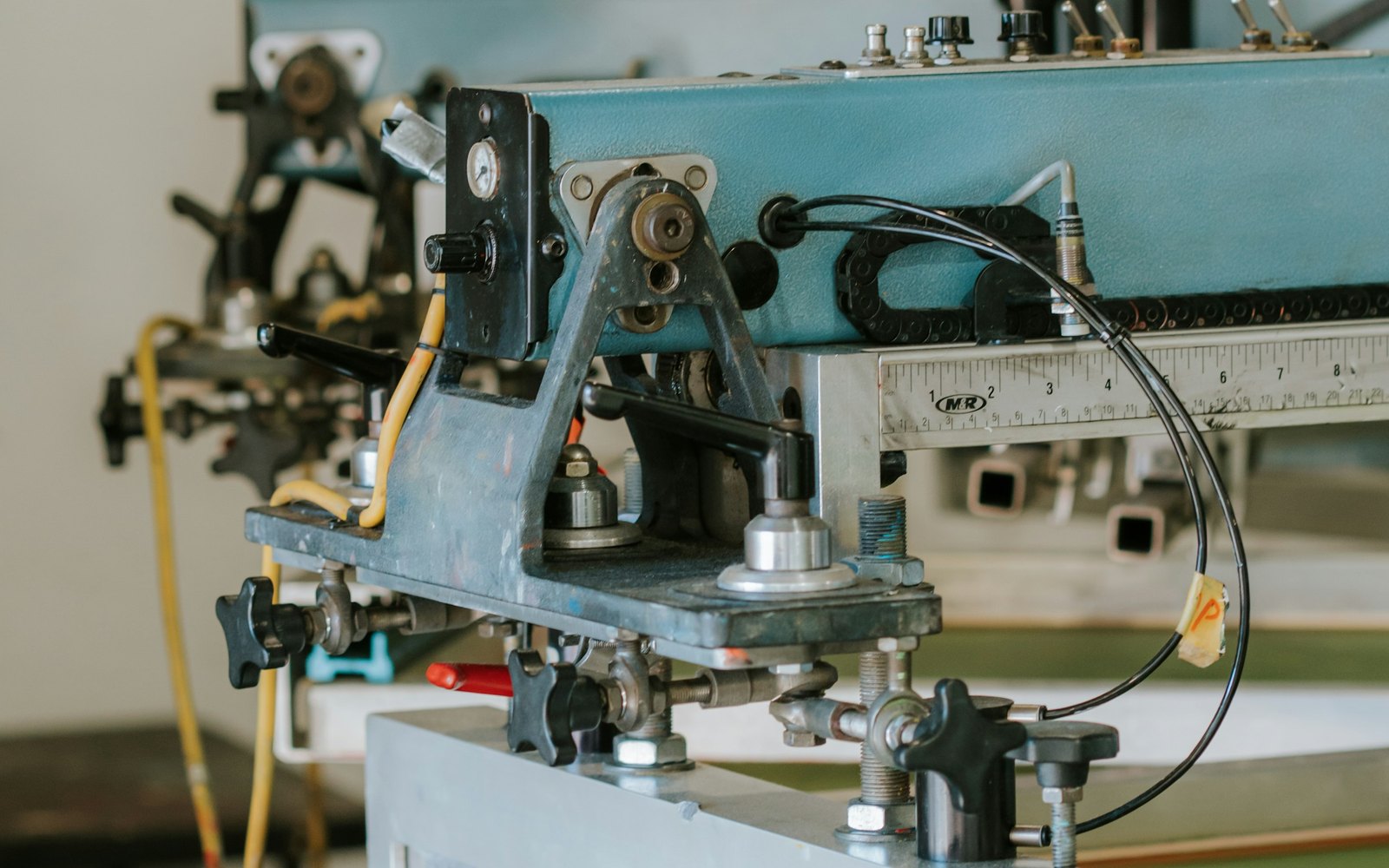
The artwork is approved and the shirts are on the press schedule. A deposit screenshot comes in. Your print lead needs a clear decision: can production start? Make the release depend on three records your team can check quickly.
1. Match the approved quote to the artwork
Put the quote number and revision on the job ticket. Attach the approved artwork revision, garment style, sizes, quantities, print placement and due date. If the customer changes the order or approves new art, update the ticket before releasing the job. A deposit for the old quote doesn't settle what changed.
2. Confirm the deposit for that specific job
Check your payment system or provider for a confirmed payment that matches the job's deposit amount, currency and reference. If the customer sends a screenshot but the record is pending or you can't match it, keep the job on hold and check the existing payment first. Don't immediately ask the customer to pay again.
For example, a fictional 25-shirt job totals $500, with an agreed $200 due before printing and $300 before dispatch. Verify the $200 against the deposit request for the approved quote. Record the reference on the job ticket. If you use separate invoice requests for the deposit and balance, describe what each covers and carry the same job number into both descriptions so your team can match them.
3. Record the balance and who releases the order
Put the remaining amount, the agreed due point and the responsible person on the job ticket. If the balance is due before dispatch, production can start once the deposit is verified, but shipping stays on hold until the $300 is confirmed. If your agreement says something different, use those terms. Don't invent a deposit percentage or change the customer's due date at handoff.
You can use a handoff like this:
Job 1042 · Quote v3 / artwork v2 approved · $200 deposit confirmed [reference] · Release to print · $300 due before dispatch · Shipping release: [initials]
Next step: If you invoice for deposits, use the XRPay invoicing guide to create a hosted invoice with a clear description and payment link. XRPay verifies the applicable payment before marking the invoice paid. Your team still owns the print and dispatch decisions.