Your wallet, out in the world.
Crypto for
everyday life.
Buy crypto. Send to someone you know. Withdraw to your bank or Mobile Money account. All from the wallet you already use.
For iPhone, iPad & Android
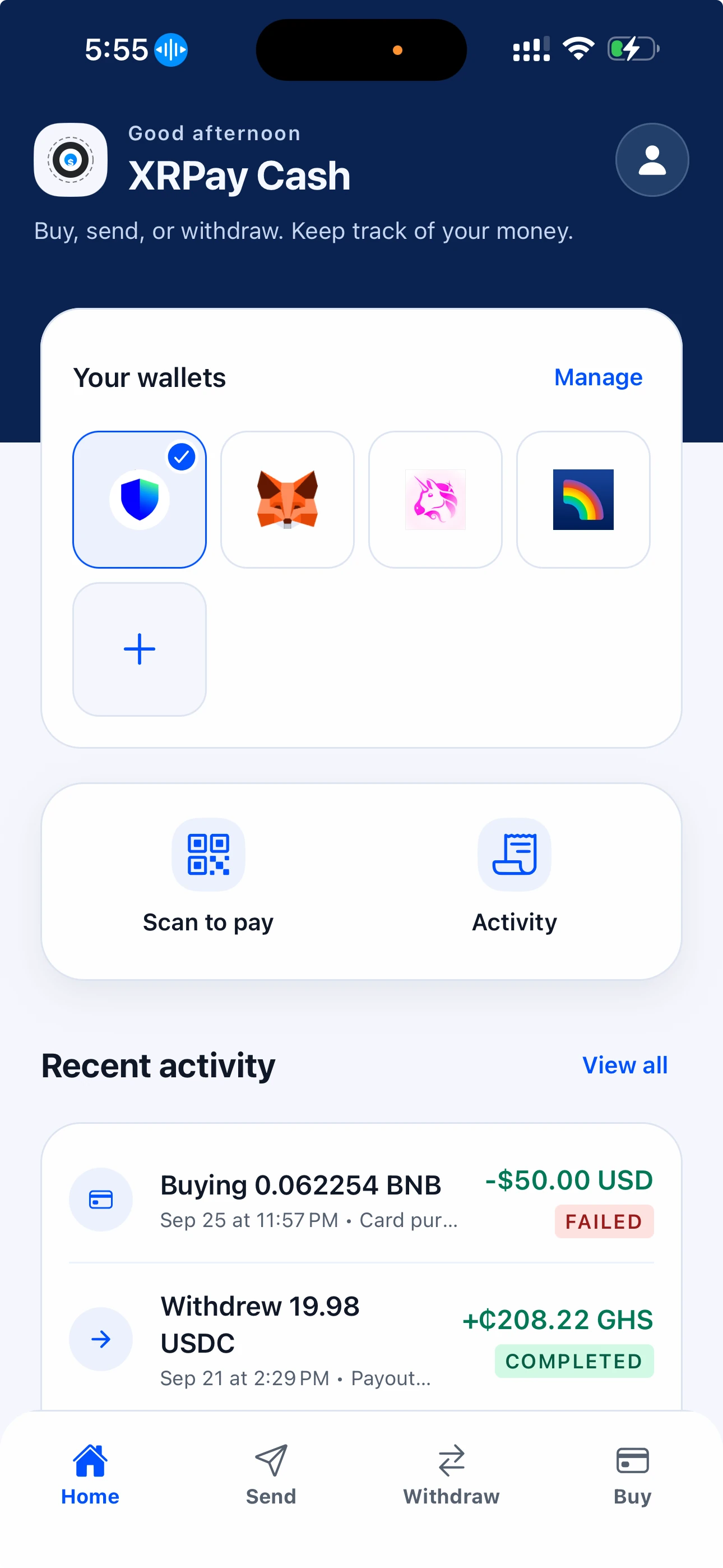
Works with the wallet
you already call yours.
- Trust Wallet
- MetaMask
- Rainbow
- Uniswap Wallet
- Xaman
Take a look inside.
From your first purchase to your next withdrawal.
Start with your wallet.
Bring the wallet you already use. Connect a supported wallet and choose which one to use for your next transaction.
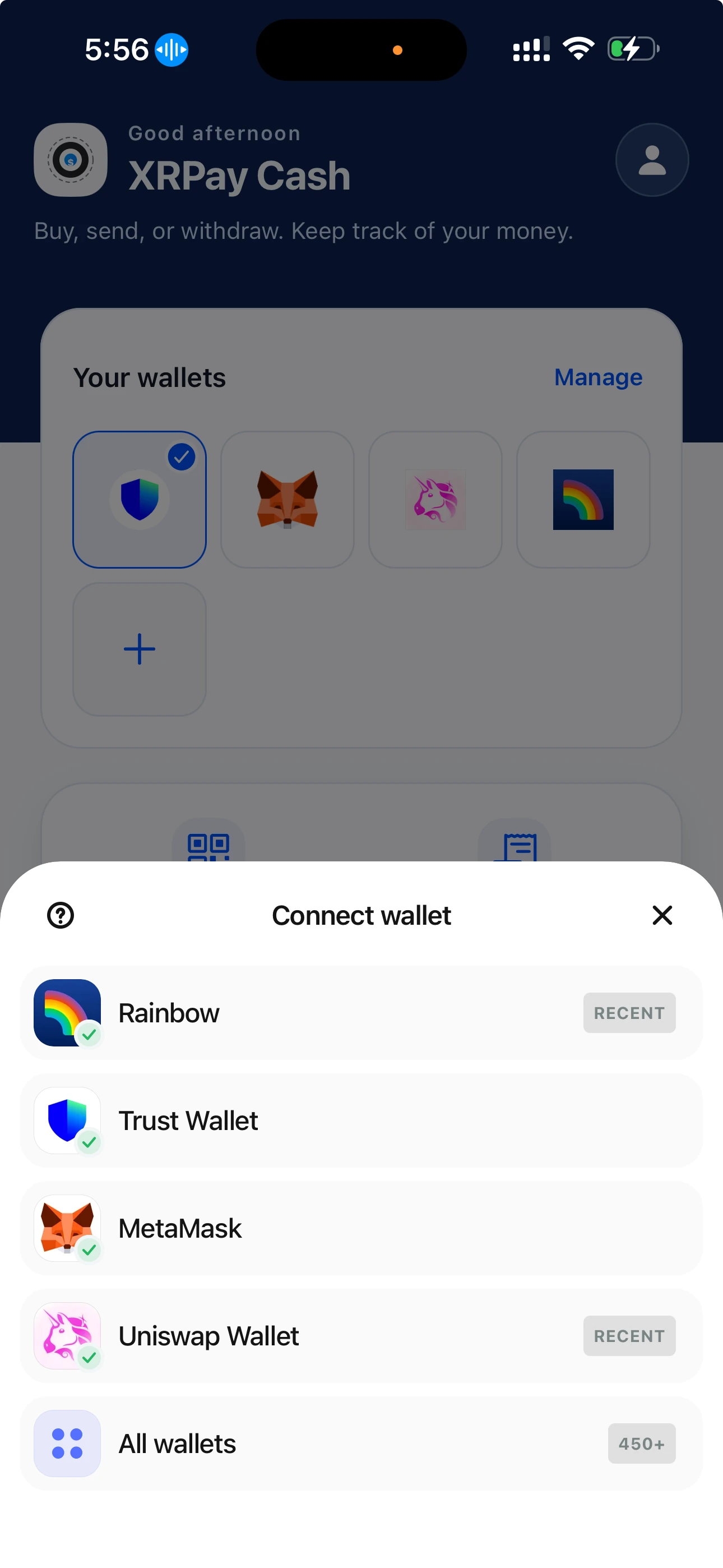
Send to your people.
Find contacts who are on XRPay, or enter a wallet address. Choose the amount and review the destination before you send.
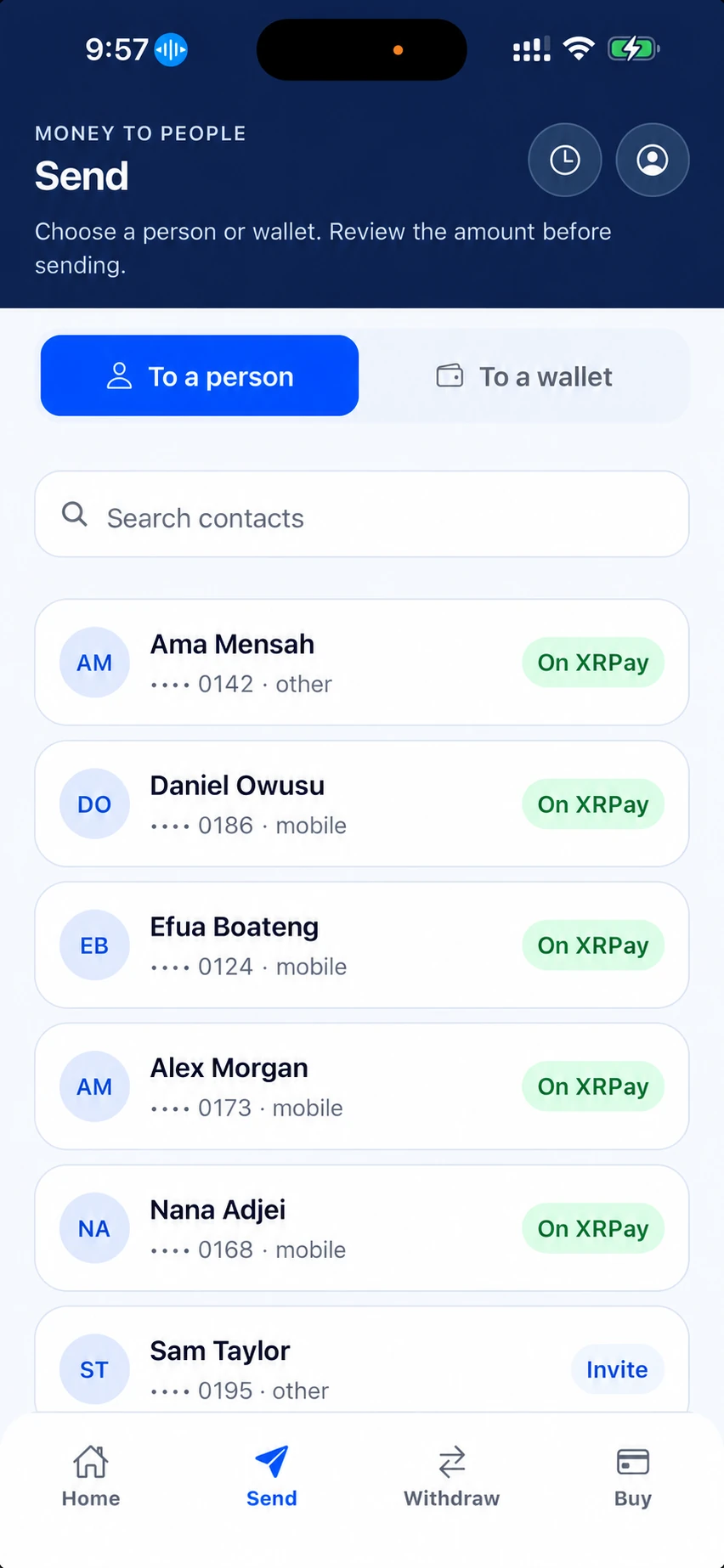
Buy crypto. See the cost.
Choose an asset, a network, and the wallet to receive it. See the estimated amount and fees before paying with an available local payment method.
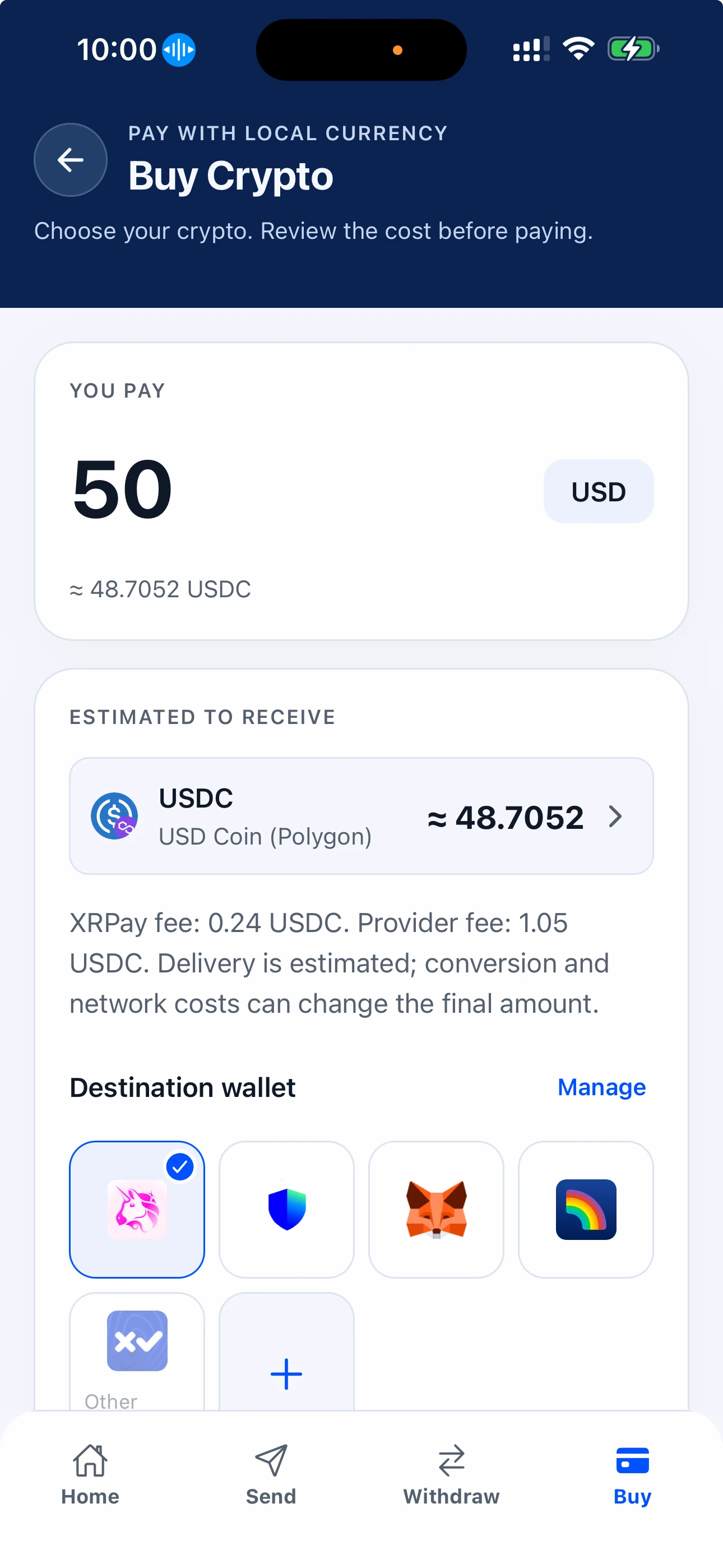
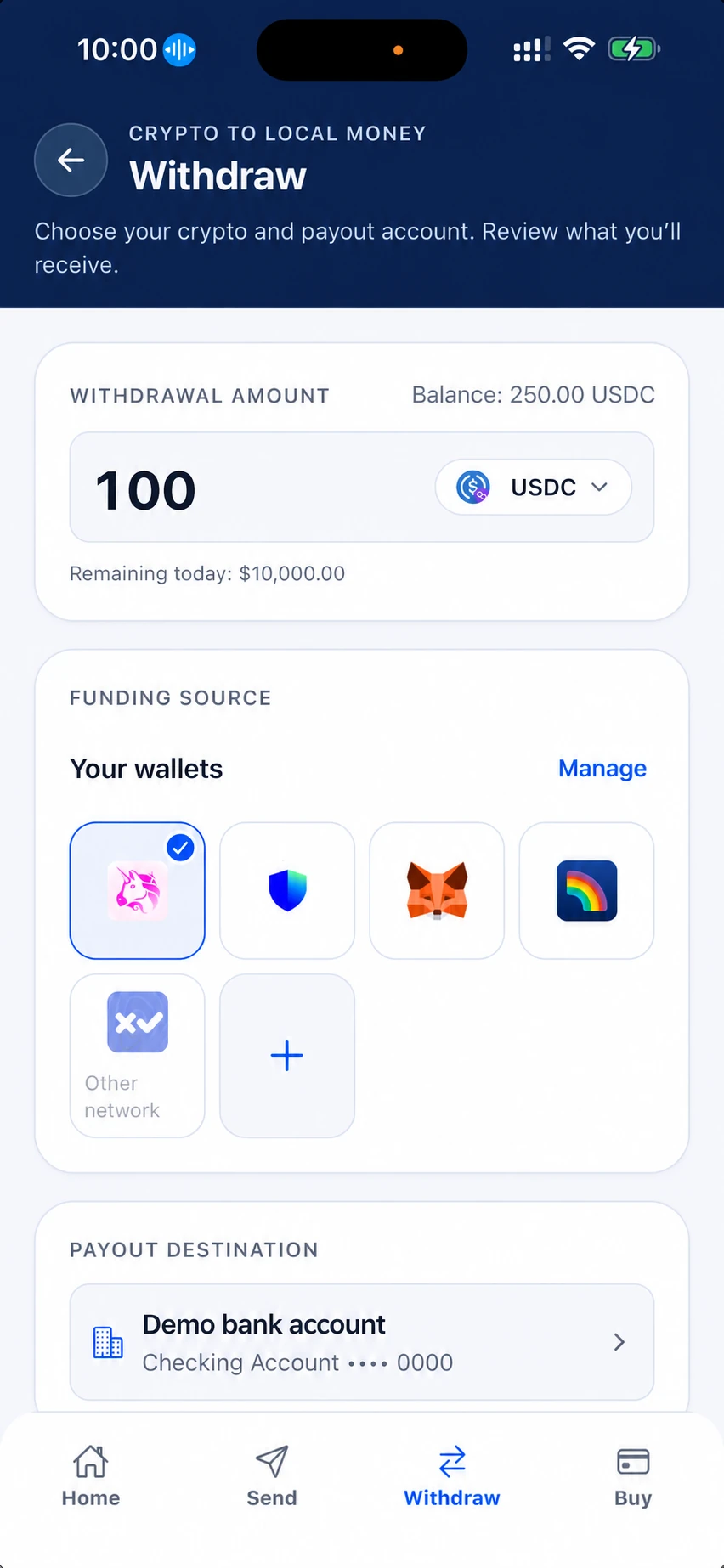
Crypto out. Local money in.
Choose your crypto and an eligible bank or Mobile Money account. Review what you’ll receive, then follow the withdrawal in Activity.
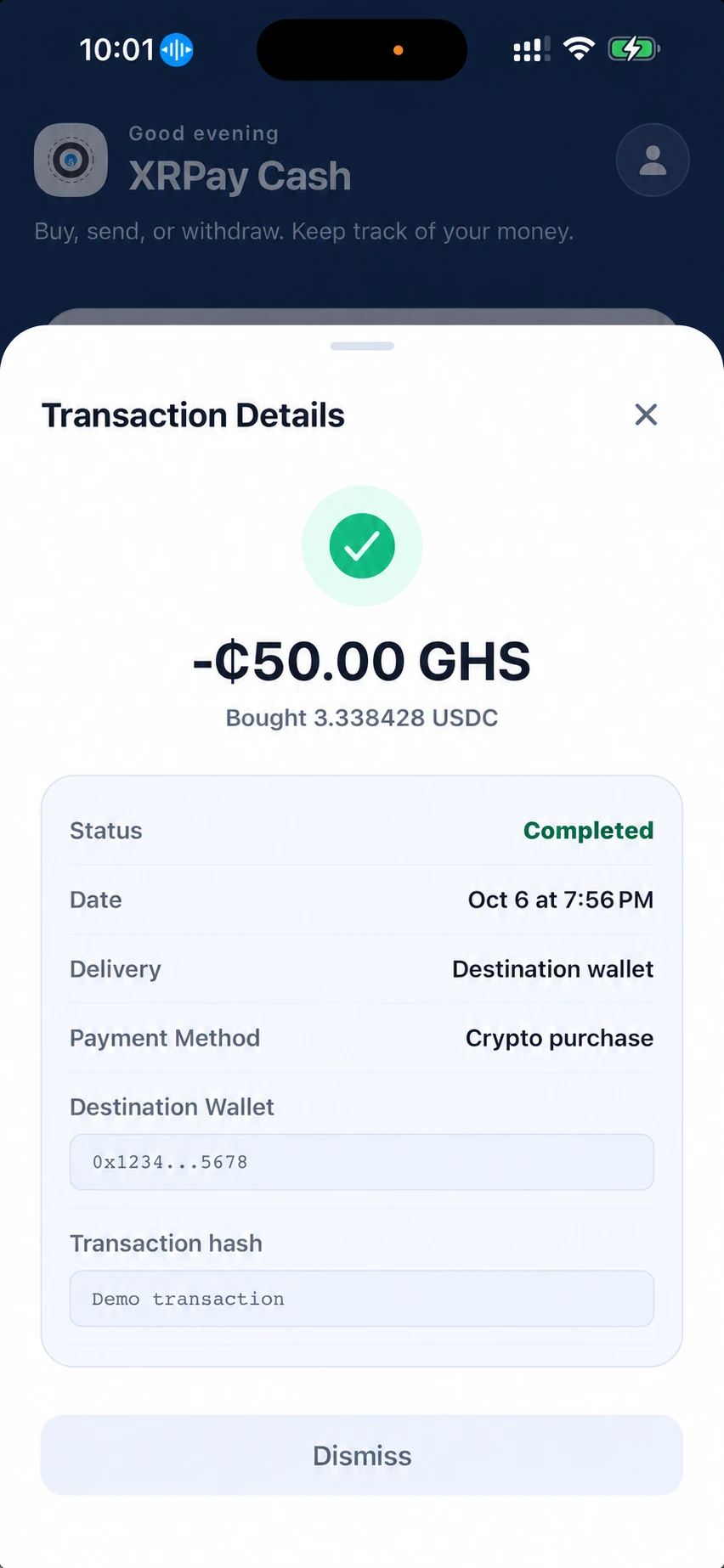
Know where things stand.
Open a purchase, send, or withdrawal to see its status, amount, and destination. Keep the details of each transaction close at hand.
Connected. In your control.
Your wallet stays yours.
XRPay Cash connects to your wallet. You review the details and approve wallet transactions yourself. Your private keys stay with you.
A few things to knowDo I need a crypto wallet?
Yes. XRPay Cash connects to supported wallets, including Trust Wallet, MetaMask, Rainbow, Uniswap Wallet, and Xaman where supported. You approve connected-wallet transactions in your wallet; XRPay does not hold its private keys.
Can I withdraw to my bank or Mobile Money?
You can withdraw through available bank or Mobile Money routes to an eligible payout account. Availability depends on your country, asset, and provider. Identity verification may be required. The app shows the available route and quote before you continue.
What will a transaction cost?
Review the quote in the app before confirming. The amount you receive can depend on platform fees, provider fees, conversion, and network costs. Estimates and delivery times vary by route and can change.
Can I pay a merchant with the app?
Use Scan to pay on Home to scan a supported merchant’s XRPay QR code. Review the order and available payment options, then approve the connected-wallet payment in your wallet. Scanning a code does not send funds.
XRPay Cash
Your next move.
In your pocket.
Available on iOS and Android.